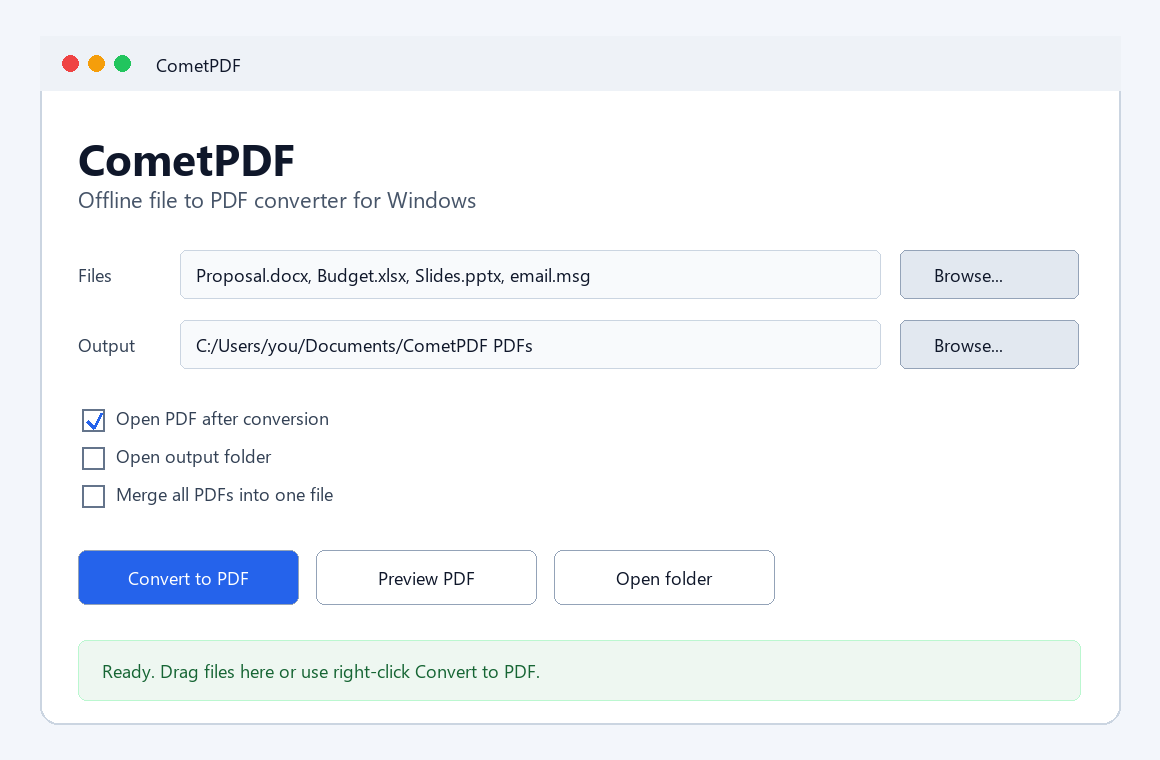
Convert files to and from PDF offline.
CometPDF turns Office files, images, Outlook emails, text files, and existing PDFs into clean PDF documents on Windows. It also exports PDFs to editable Word and Excel, with offline Greek/English OCR for scans, plus PNG, JPG, TXT, and PowerPoint. No uploads. No account.
Microsoft Store distribution is being prepared. Installer is recommended for Desktop, Start Menu, uninstall, and optional right-click conversion. Portable ZIP runs without setup.
Installer checksum is published on the Security page. This unsigned release may show an unknown publisher warning in Windows or Chrome. SHA256: A3945E115E23BEB2DC84E0EAF8F83990A689E281CF65AD62E6DC6D61552664A7
Windows may warn you before installing
CometPDF is not yet code-signed, so Windows SmartScreen or Chrome may show an "unknown publisher" warning when you download or run the installer.
This is expected for a new unsigned Windows app. To proceed: click More info -> Run anyway.
For use without installation, choose the Portable ZIP. Windows may still warn before running the unsigned executable.