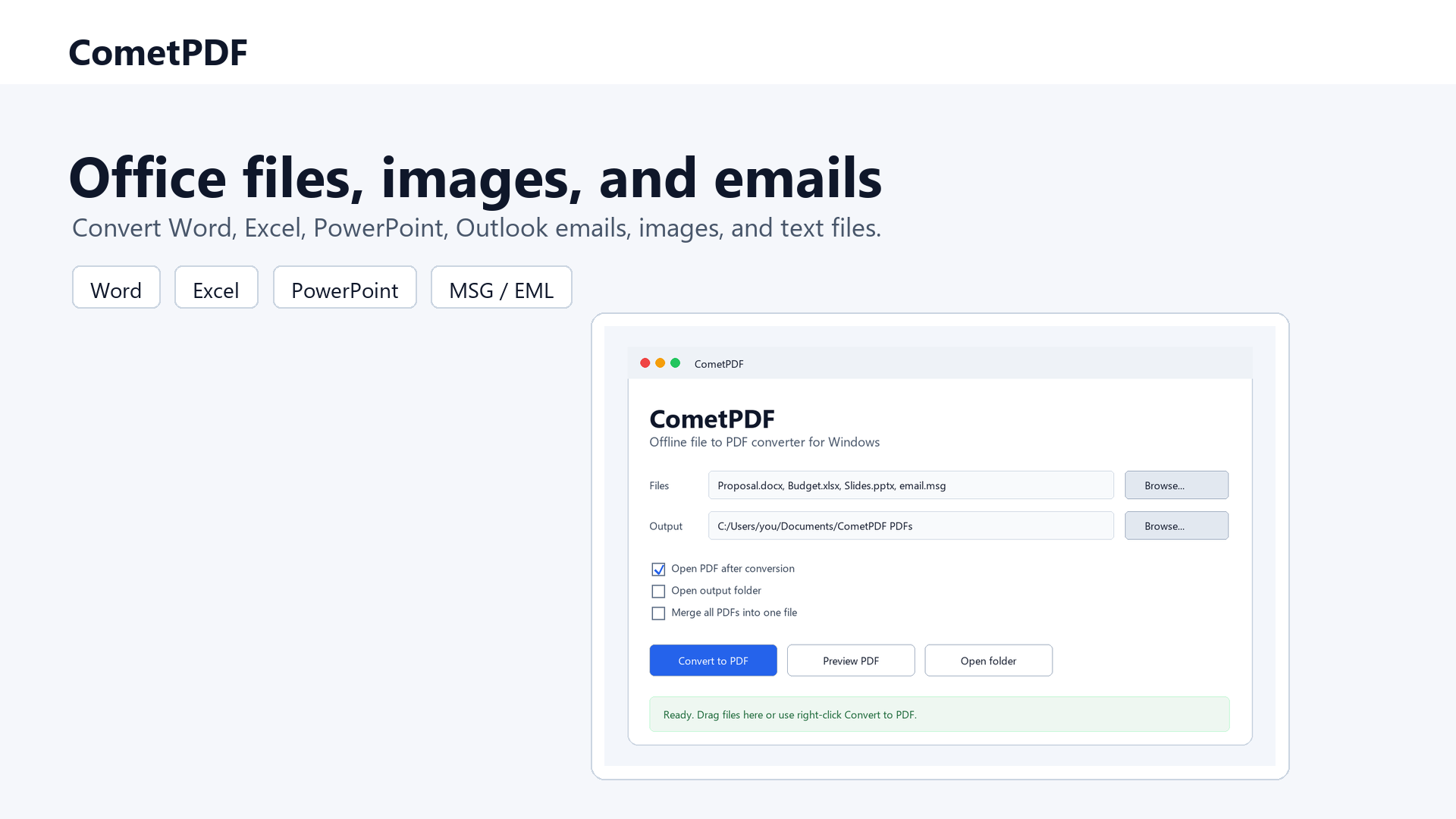
CometPDF is a local email to PDF converter for Windows. It converts Outlook MSG files and standard EML email messages into PDF documents without uploading private mail to an online converter.
Use it for email archiving, client records, legal documentation, accounting evidence, order histories, and project communication that needs a stable PDF copy.
This is not an online email converter. CometPDF converts MSG and EML files locally with a Windows desktop app, with batch conversion support for multiple email files.
Convert Microsoft Outlook message files into PDF copies for archiving, sharing, or records.
EML to PDF
Save exported email messages from other mail clients as readable PDF documents.
Private and local
Email content, addresses, signatures, and internal notes stay on your Windows computer.
CometPDF handles Outlook MSG and EML email files alongside common Office documents, images, and text files in the same local Windows workflow.
How it works
Install CometPDF for Windows.
Add an Outlook MSG file, an EML file, or use right-click Convert to PDF.
The email PDF is created locally on the computer.
The output is designed for practical email archiving. When Outlook and Word can render the message, CometPDF uses that local path for a print-like result; otherwise it creates a structured PDF that captures the most important email fields.
Why convert email messages to PDF?
Email files are useful inside mail apps, but PDF is easier to store, review, attach to case folders, send to clients, or keep as a long-term record. A PDF copy can preserve the main message content in a format that almost every office, legal, accounting, and support workflow can open.
Online email to PDF converters can be risky because MSG and EML files may include names, email addresses, signatures, message threads, invoice details, internal notes, and confidential business content. CometPDF is built for users who want the convenience of an email to PDF converter without sending mail files to a website.
Useful for email archiving
Emails often need to be saved as PDFs for legal records, project documentation, client communication archives, accounting evidence, order histories, or compliance workflows. Uploading MSG files to an online converter is a privacy risk because email files can contain personal data, attachments, addresses, signatures, internal notes, and confidential correspondence.
CometPDF converts MSG and EML files locally on Windows. When Microsoft Outlook and Word are available, it uses their rendering path for a print-like result. If not, it falls back to a clean structured PDF with subject, sender, recipients, date, and body text. This gives users a simple way to archive email content without sending mail files to a third-party server.
Outlook email to PDF converter
Outlook MSG files are common in business archives because they keep individual messages outside the mailbox. CometPDF lets Windows users convert those MSG files to PDF without opening an online upload form. This is useful when a folder contains many exported Outlook messages that need PDF copies for a client file, case record, support ticket, or internal documentation folder.
For the best MSG output, install Microsoft Outlook and Word on the same Windows computer. If that local rendering path is unavailable, CometPDF still creates a structured email PDF with the key fields and body text.
Also supports EML
CometPDF can also convert EML email files into readable PDF documents. EML support is useful for users who export messages from non-Outlook email clients or need a common PDF copy of individual email records.
FAQ
Do I need Outlook installed?
Outlook gives the best rendering for MSG files. CometPDF uses Outlook and Word together for a print-like email PDF when they are available, and falls back to a clean structured email PDF when they are not.
What is the difference between MSG and EML?
MSG is the native format for Microsoft Outlook emails. EML is used by many other email clients, including Thunderbird, Apple Mail exports, and standard email archive workflows.
Does it upload email files?
No. MSG and EML files are converted entirely on your Windows computer. Nothing is sent to a server during conversion.
Can I convert many emails at once?
Yes. Batch conversion is supported. Add multiple MSG or EML files and convert them in one run.
Can email attachments be included in the PDF?
CometPDF converts the email body and key message fields to PDF. Attachments are separate files and are not embedded into the PDF output in this release.